By default, on mobile devices, the sidebar appears after the main content, resulting in the stacking order: Page Content > Sidebar. If you want the sidebar to appear before the content, you can easily adjust this using the customizer.
Navigate to Appearance > Customize > Sidebar and update the Mobile Placement setting. You’ll find three options: After the Content, Before the Content, and Dynamic.
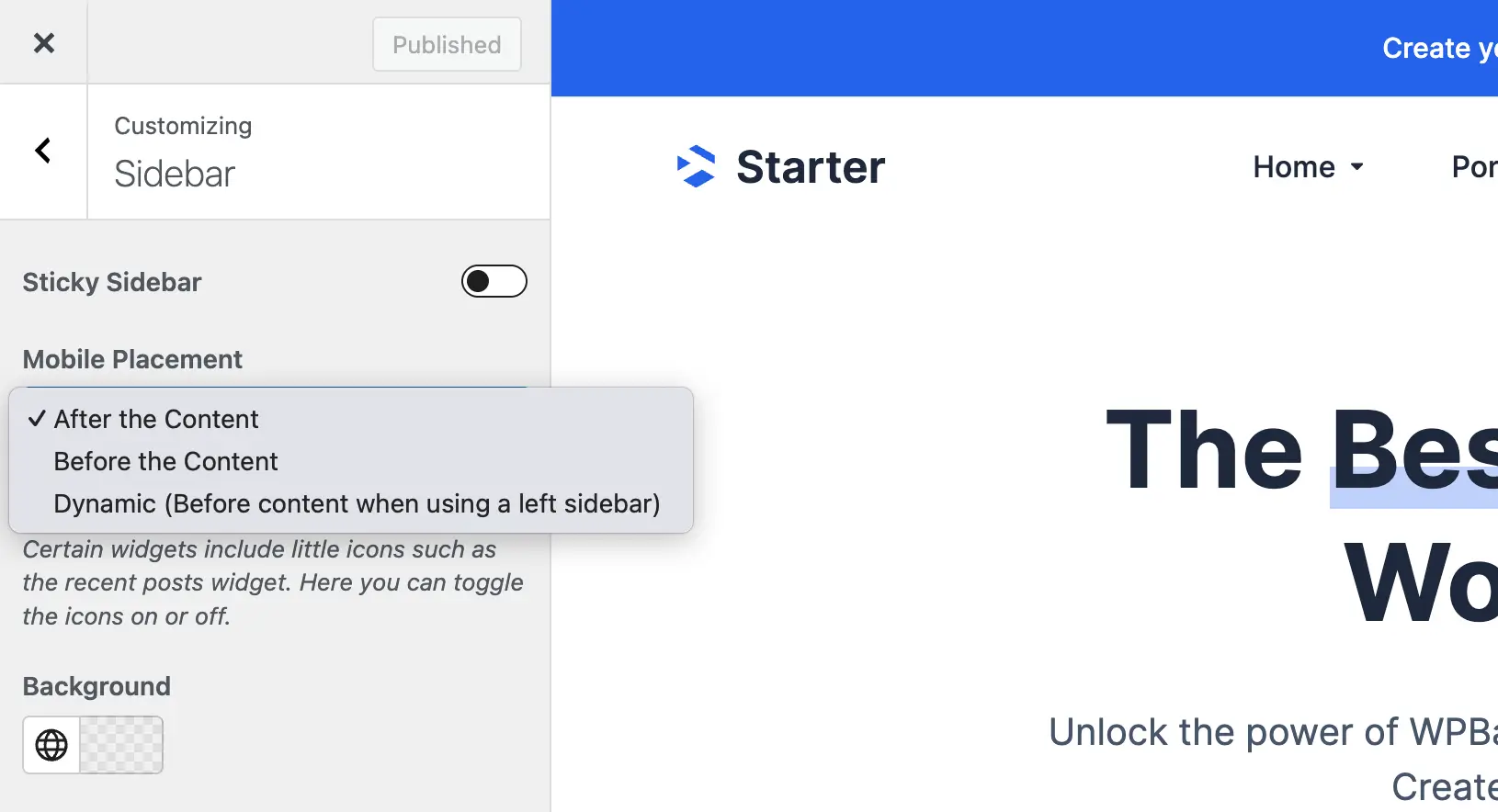
Selecting Dynamic will automatically adjust placement based on the sidebar layout: for a left sidebar, the sidebar appears before the content, while for a right sidebar, it appears after the content. This is especially helpful for sites using both left and right sidebar layouts across different sections.