Total includes 1 required plugin (Total Theme Core) and 2 optional ones (WPBakery Page Builder and Templatera). As soon as you activate the theme you’ll see a notice asking you to register your license and install Total Theme Core.
Method 1: Installing Plugins via the WP Admin
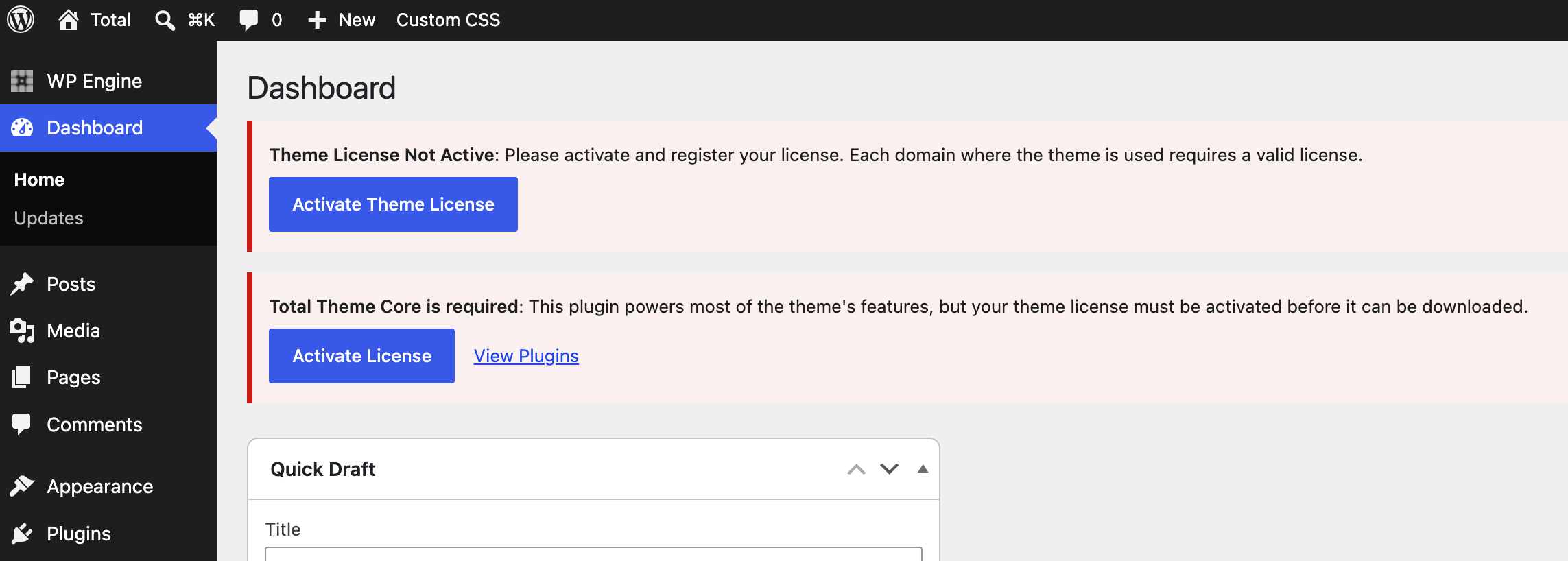
Register your license first via Theme Panel > Theme License, then head to Theme Panel > Plugins to install and activate the Total Theme Core.
If you want a page builder, install WPBakery Page Builder or Elementor while you’re there. Templatera is pretty niche, so I would recommend skipping it unless you know you need it.

Method 2: Install Plugins Manually
If you rather install plugins manually or you are having issues with your server connecting to ours to activate your license or install plugins you can do so manually.
Log into the user portal at my.totalwptheme.com and scroll down a bit to reveal the download links for the latest version of the theme:
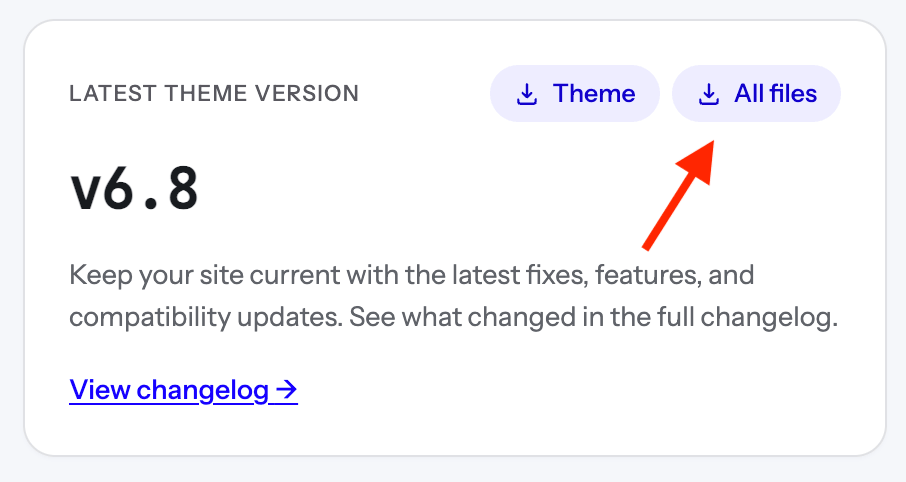
Click on the “All Files” link. Once it downloads, extract and locate the plugins inside the Plugins folder. You can then upload these via Plugins > Add New one at a time. Install the required Total Theme Core plugin and then any other plugin you wish to use.