If clicking “Remove” on the mini cart (Off Canvas, Overlay or Dropdown) refreshes the page and adds ?removed_item=1 to the URL, it usually means WooCommerce’s AJAX add-to-cart feature is not enabled. To fix this:
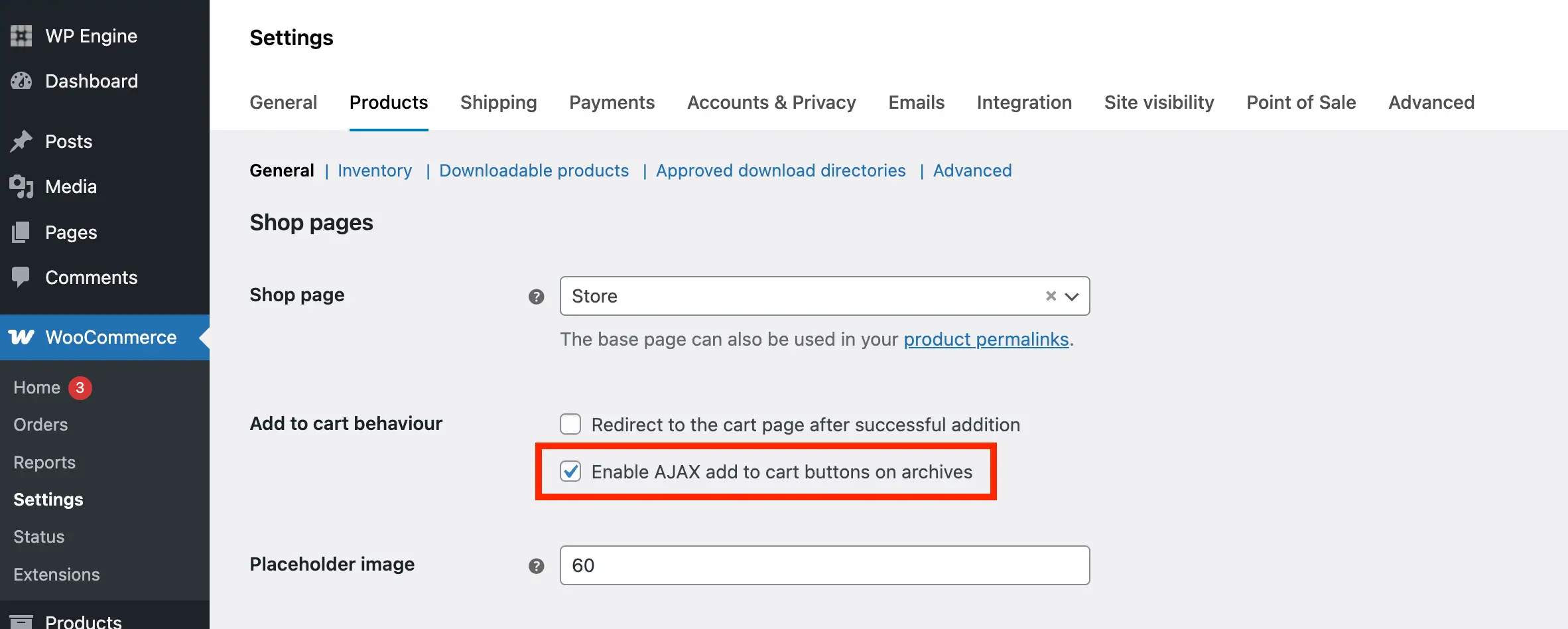
- Go to WooCommerce → Settings → Products → General.
- Find the option “Enable AJAX add to cart buttons on archives“.
- Check the box and save changes.
Once enabled, removing items from the cart should update instantly without refreshing the page.