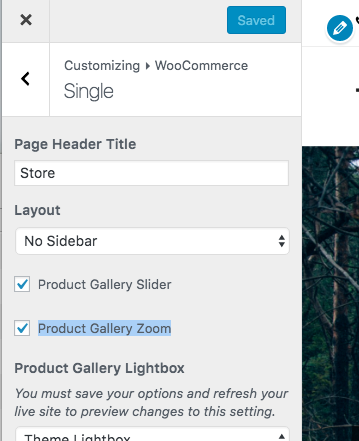
In the Total theme you can easily disable the product zoom which is native to WooCommerce by logging into your WordPress dashboard and going to Appearance > Customize > WooCommerce > Single and unchecking the box next to the “Product Gallery Zoom” setting.