Total includes an advanced custom function for breadcrumbs built for Total specifically, this function can be enabled site wide but also disabled on a per-page basis if needed. Total also includes support for the Yoast WordPress SEO breadcrumbs if you rather use that one.
Enabling/Disabling Theme Breadcrumbs
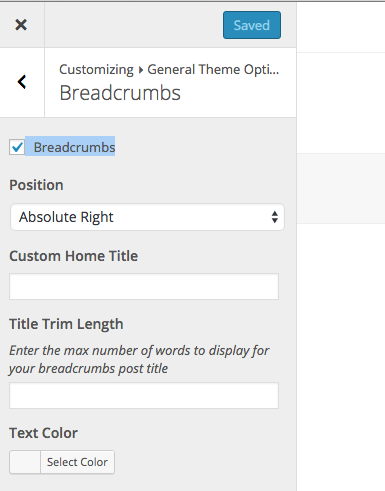
To enable or disable breadcrumbs go to Appearance > Customize > General Theme Settings > Breadcrumbs.
Disabling Breadcrumbs On A Per-Page Basis
You can disable breadcrumbs via the page settings on any specific page:

Using WordPress SEO by Yoast Breadcrumbs
If you are using WordPress SEO by Yoast the theme will automatically add support for it. You will find the Yoast SEO Breadcrumbs settings in the Customizer at Appearance > Customize.