By default, the Table of Contents (TOC) element automatically scans all the heading tags you’ve selected (h2, h3, h4, h5) within your content and displays them in the TOC. This ensures that your table of contents reflects the structure of your page and helps visitors navigate your content easily.
If there are any headings you do not want to include in the TOC, you can exclude them by adding a custom class to the heading. Use either toc-ignore (compatible with Yoast SEO) or toc-exclude, and the TOC will skip that heading.
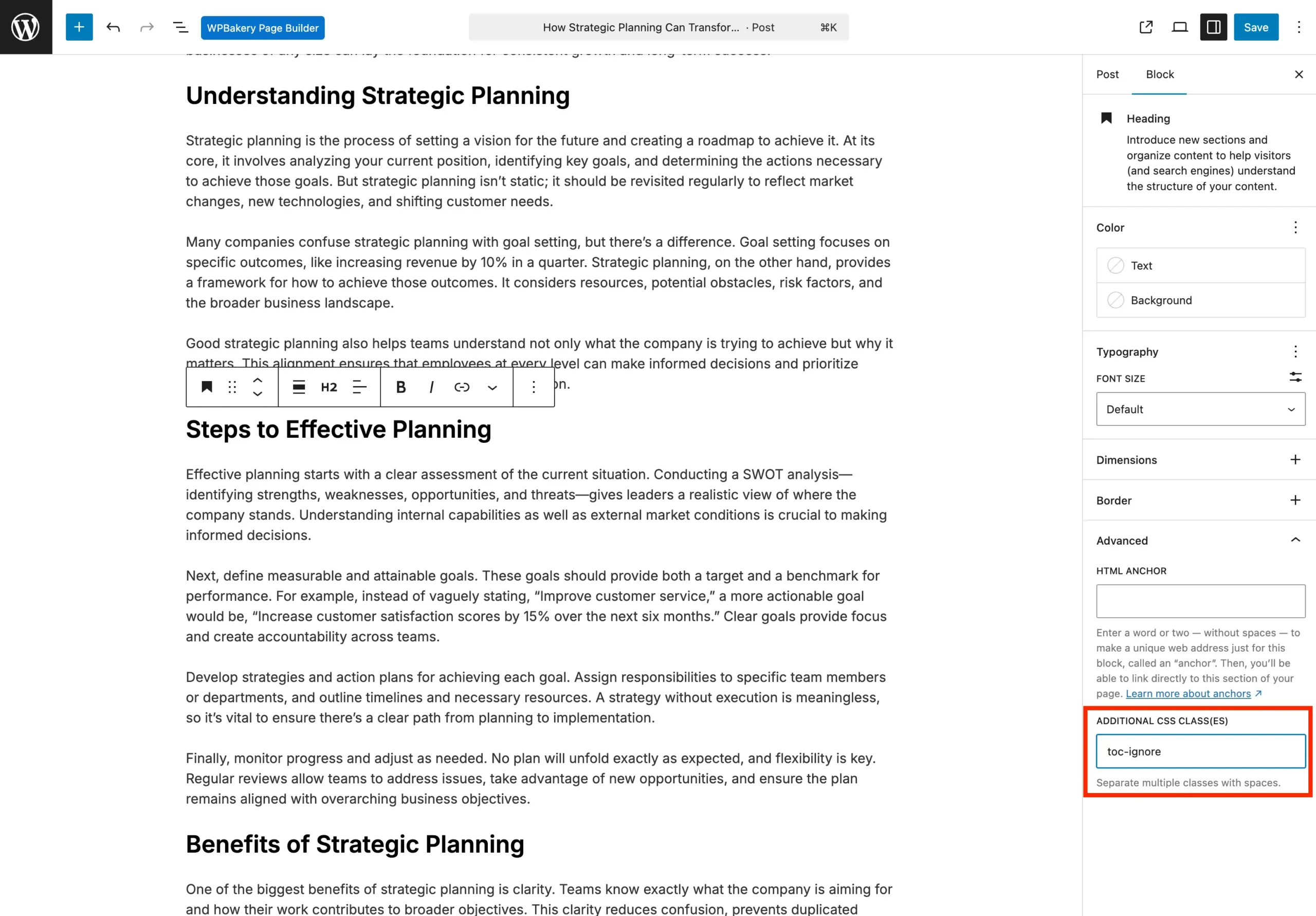
This gives you full control over which sections appear, keeping your table of contents clean and focused.