By default, the theme adds a 20px bottom margin to paragraphs placed inside text blocks in the page builder, as well as to text added through the Classic Editor or Gutenberg. This spacing creates visual separation between paragraphs, which improves readability and makes longer sections of content easier to scan.
If you want to adjust this spacing, open the Customizer and navigate to Customize → Global Styles → Other. There you’ll find the “Paragraph Bottom Margin” option, which controls the default spacing between paragraphs.
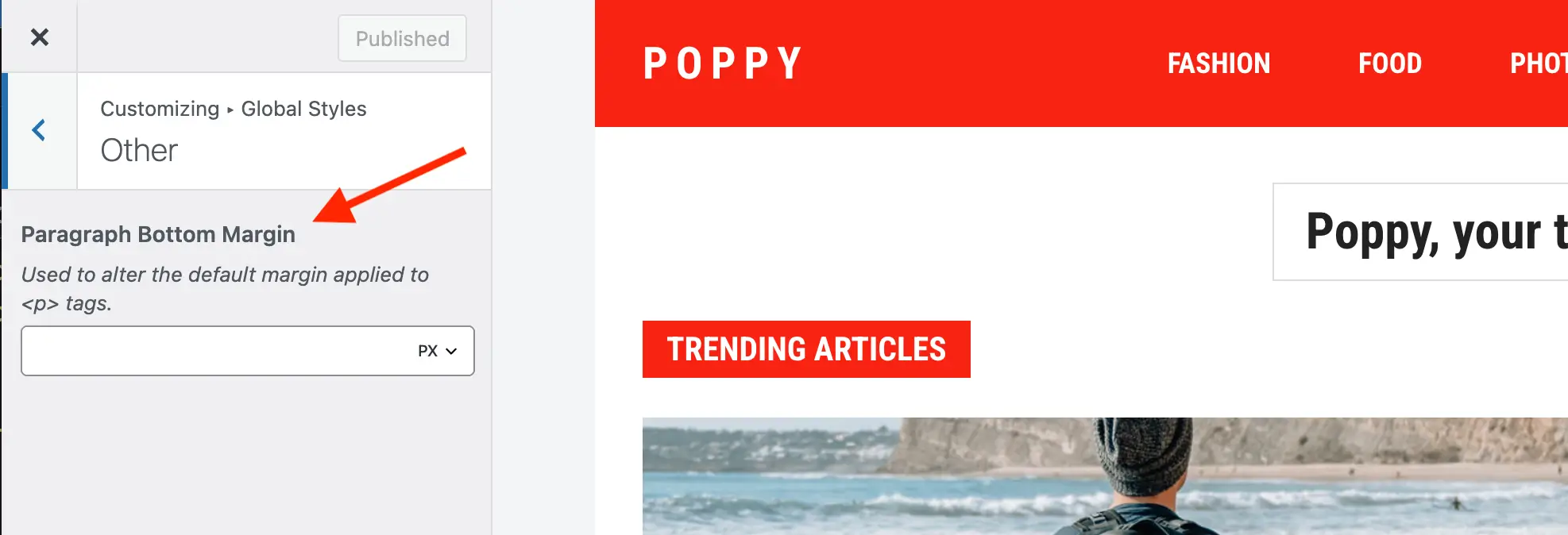
Although the setting is labeled “Paragraph Bottom Margin”, it also affects other inline elements inserted through Gutenberg or the Classic Editor. For example, images, videos, and similar embedded content will use the same bottom spacing to maintain consistent vertical rhythm within the content.
If you prefer to control this spacing with CSS, you can target the --wpex-el-margin-bottom CSS variable and override it in your custom styles.