You can easily create non-clickable menu links in WordPress by simply adding a # symbol in the “URL” field when creating a custom link. However, clicking this link will still append # to the URL. To make a link completely unclickable, you can add the unique class nav-no-click to any menu item, ensuring the link cannot be activated at all.
Below is a screenshot showing how to add the nav-no-click class to a menu item in the WordPress backend menu dashboard.

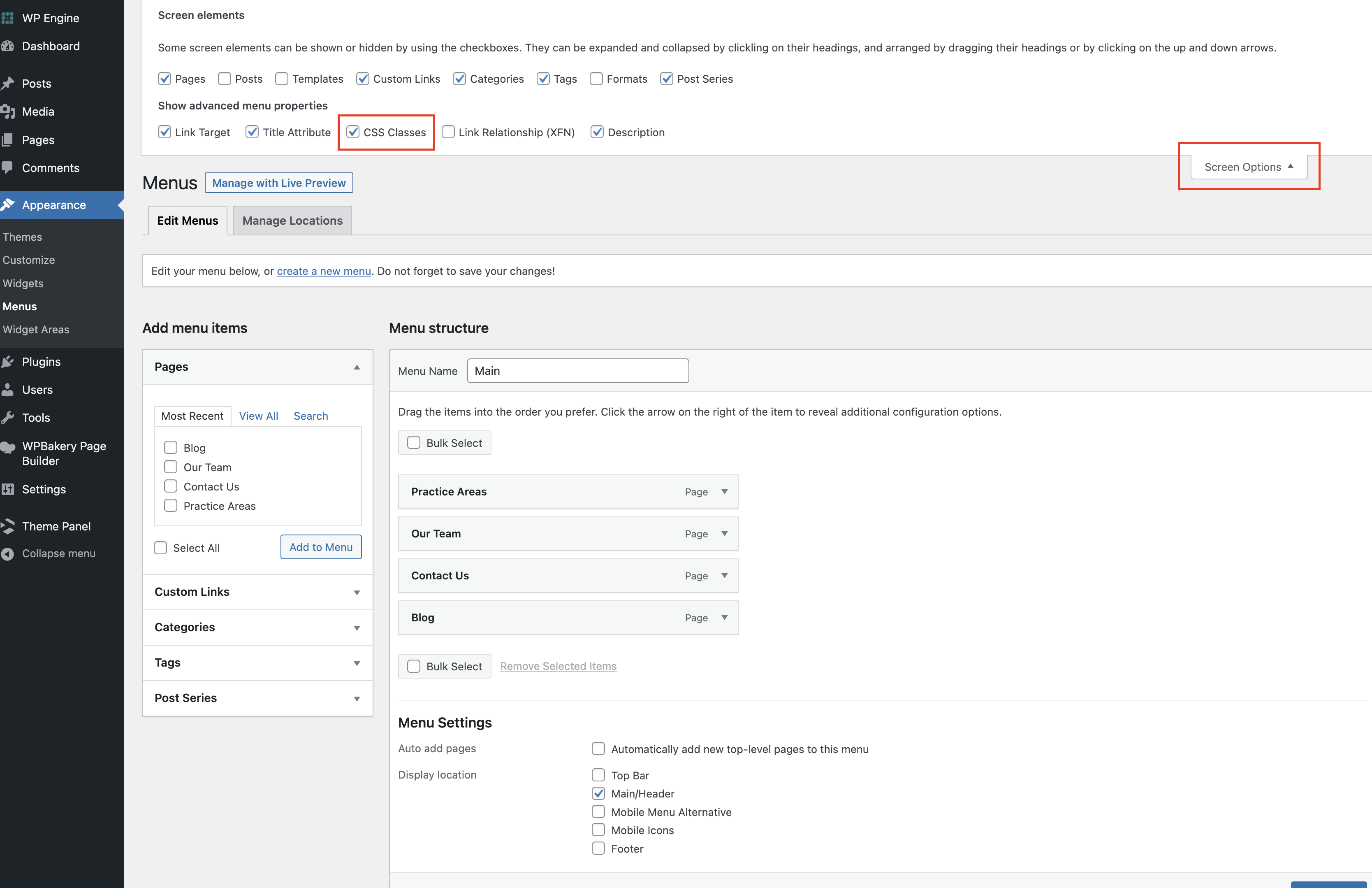
Can’t see the CSS Classes field?
By default, the CSS Classes option is hidden. To enable it, click on the Screen Options tab at the top-right of the WordPress menu dashboard and check the CSS Classes box. This will make the field visible for each menu item.