In Total version 5.2 we added a new shortcode named [cart_link] which can be used to display a cart link with the number of items currently in the cart and the subtotal. This shortcode can be used in various areas of the theme such as the Top Bar or Header Builder as well as added inside menu items.
Shortcode Usage:
Basic example of using the shortcode:
[cart_link items="icon,count,total" link="true"]Shortcode Parameters:
The shortcode accepts a few attributes for customization.
| Attribute | Description | Default |
|---|---|---|
items | Comma separated list of items to display | icon,count,total |
link | Whether to add a link to the cart or not | true |
el_class | Extra classnames to be added to the element | null |
icon_size | Custom size for the icon | null |
icon_margin | Custom side margin for the icon | null |
font_size | Custom font size to apply to the element | null |
font_family | Custom font family to apply to the element | null |
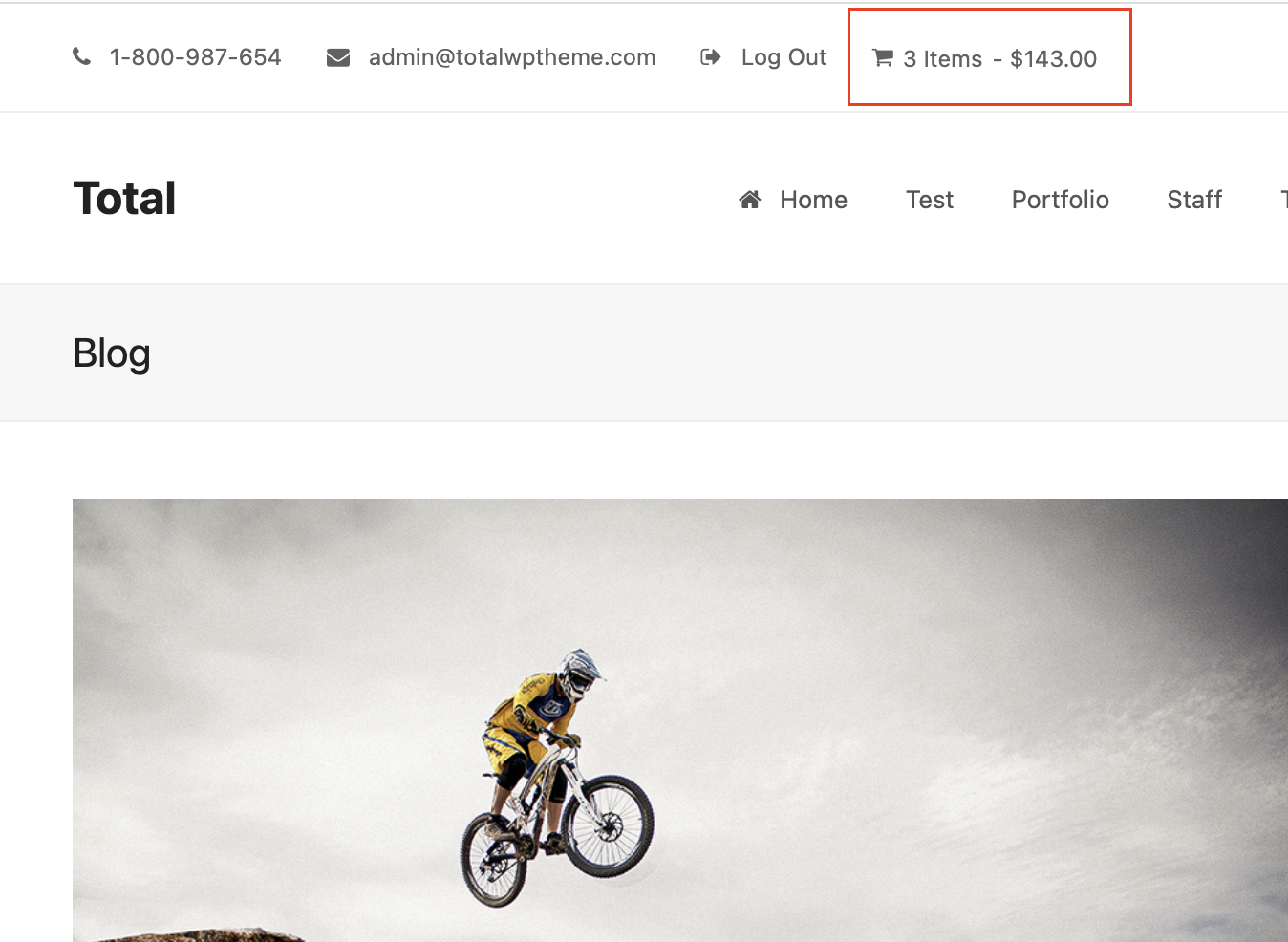
Shortcode Output:
WPBakery Element
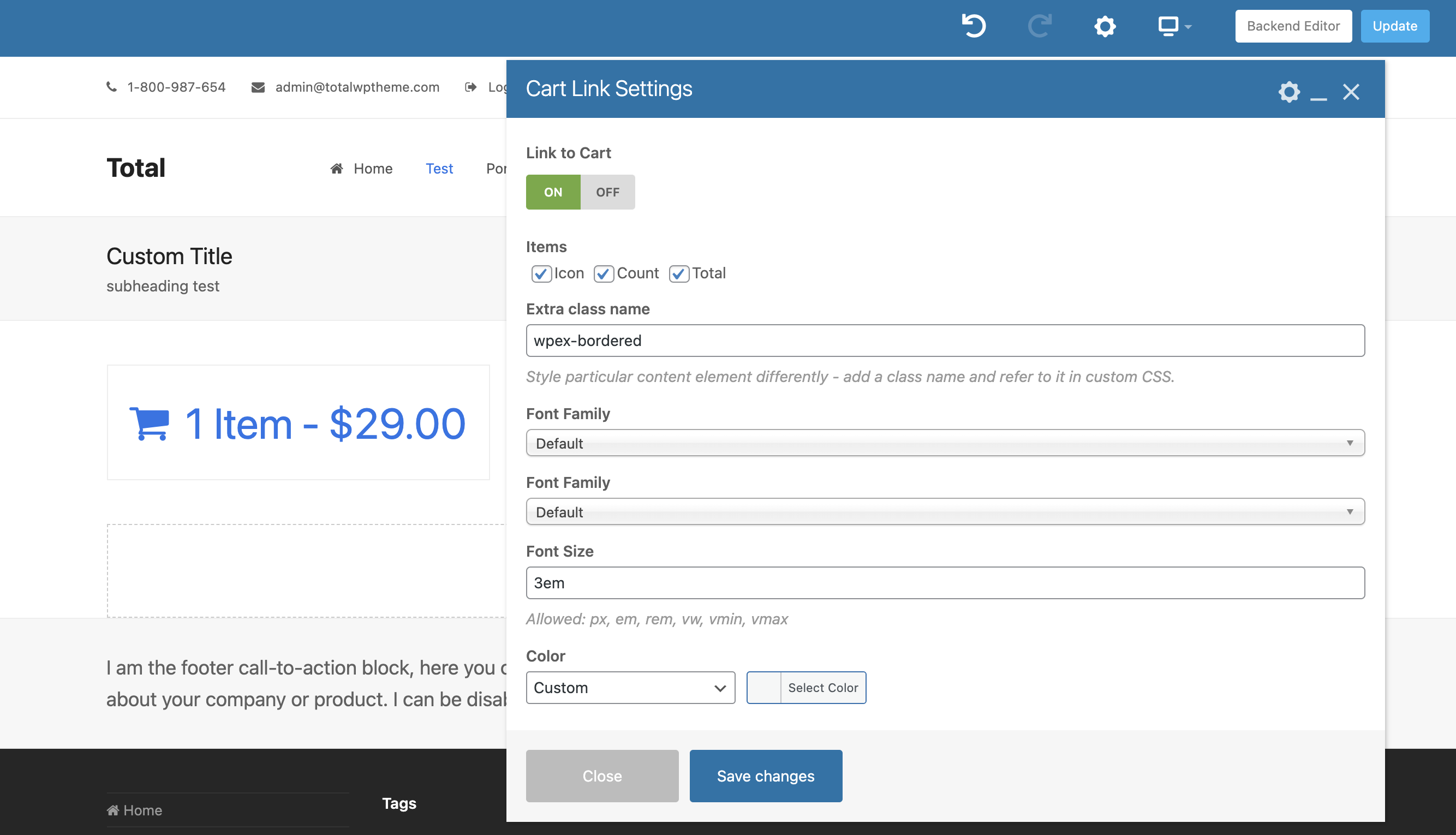
It’s also possible to access this element in the WPBakery for use in Dynamic Templates, Header Builder, etc.
Using the Shortcode in Menus
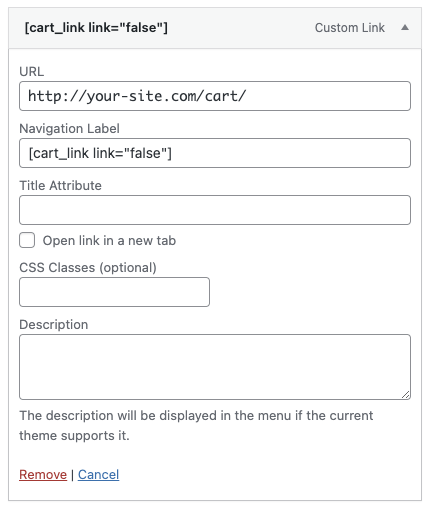
It’s also possible to use the shortcode in your WordPress menus via a “Custom Link” (you can use it and disable the default theme shop icon if you prefer). The only important thing is that you must disable the link because WordPress menus already have links, sample usage:
Developer Hooks (Filters)
The following filters are available for developer usage:
| Filter Hook | Description | Parameters |
|---|---|---|
wpex_cart_link_shortcode_icon | Allows you to override the icon html | $icon |
wpex_cart_link_shortcode_item_text | Allows you to override the Item text | $text |
wpex_cart_link_shortcode_items_text | Allows you to override the Items text | $text |