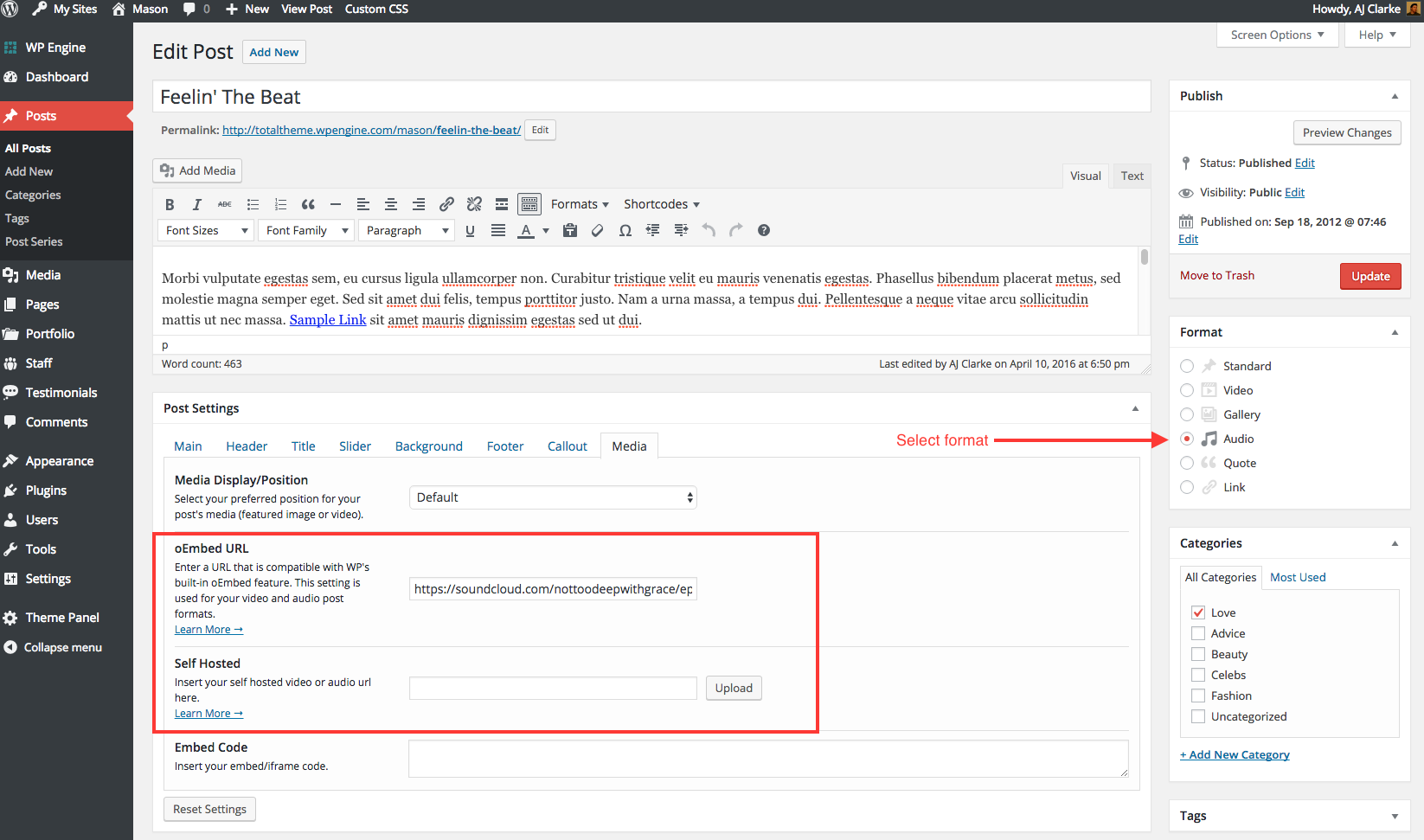
The total theme includes the ability to display audio for your blog posts either via oEmbed (WordPress function) or self-hosted HTML5 audio. Simply create a new standard post, select the “Audio” post format then add your audio URL via the page settings metabox.
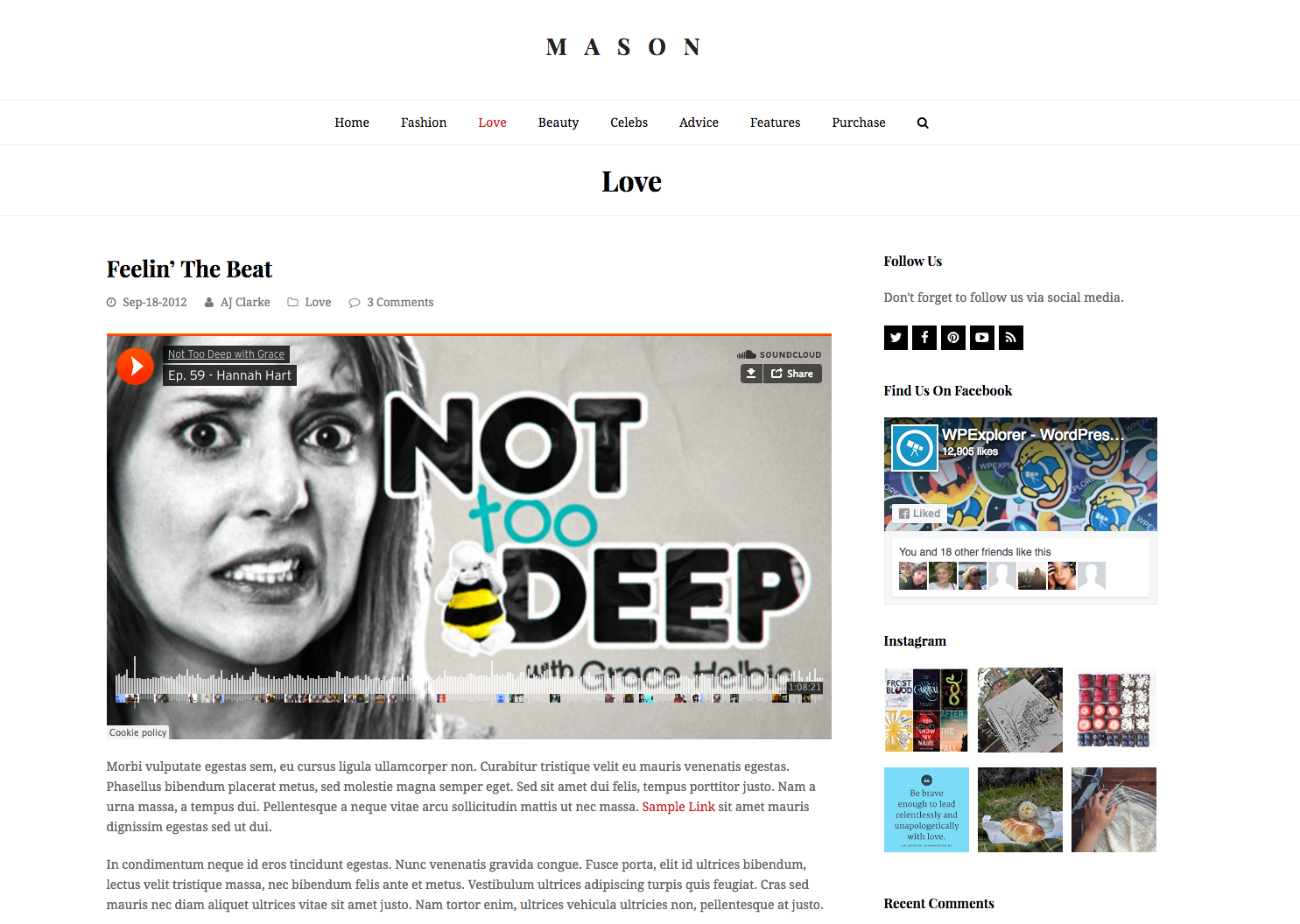
The audio will display on the single post like the screenshot below. But for your entries (main blog, categories, tags) it will display your featured image instead.