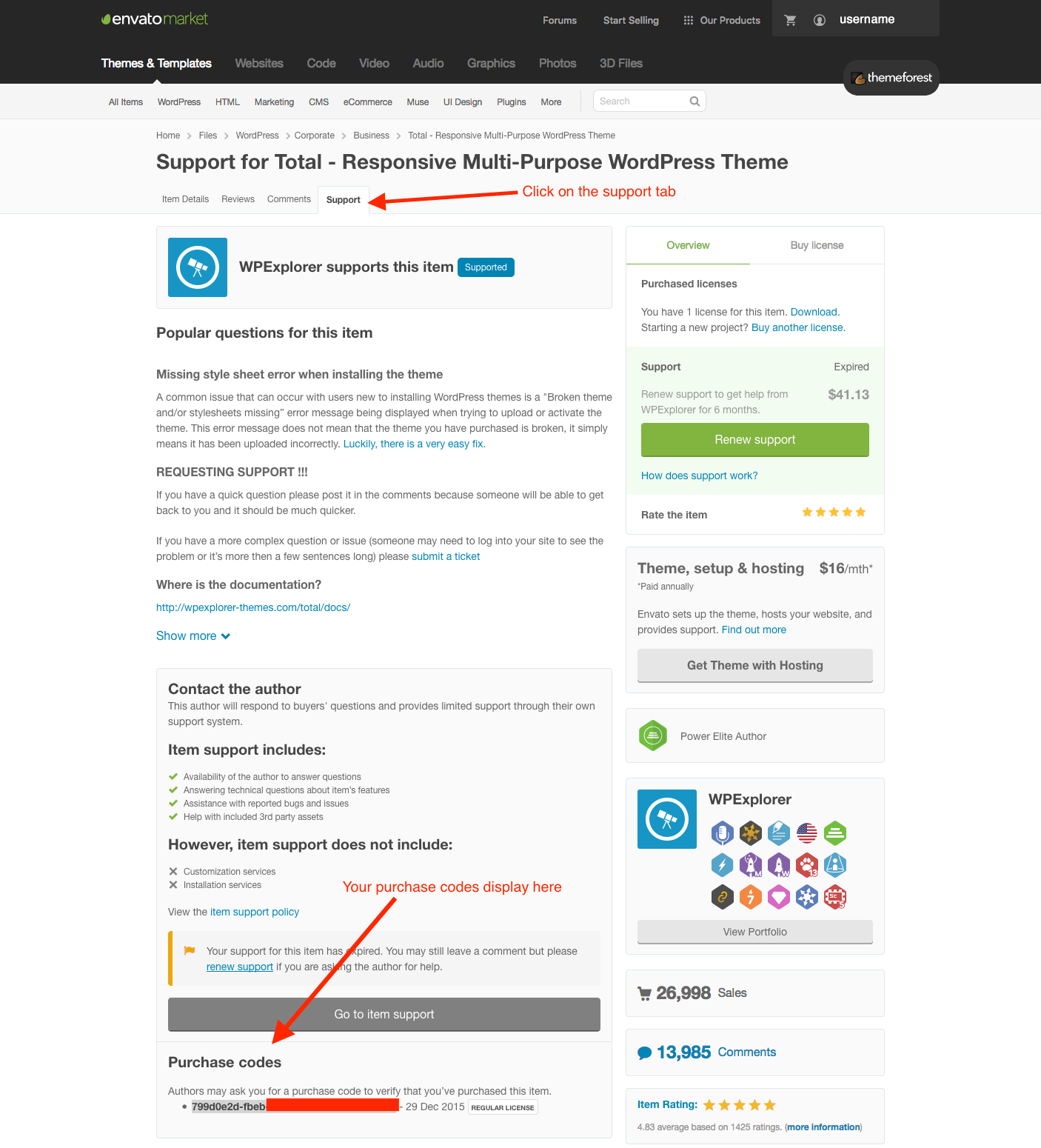
Every site using the Total WordPress theme must have a valid, active license. If you purchased the theme through ThemeForest or the official Total theme website, you will have a license that can be used to activate your installation.
When purchasing directly from us, your license code will be sent to you via email. However, purchases made through ThemeForest do not include a separate license email. The instructions below will help you locate your license and activate your installation.
Option 1: Using the Account Portal (Recommended)
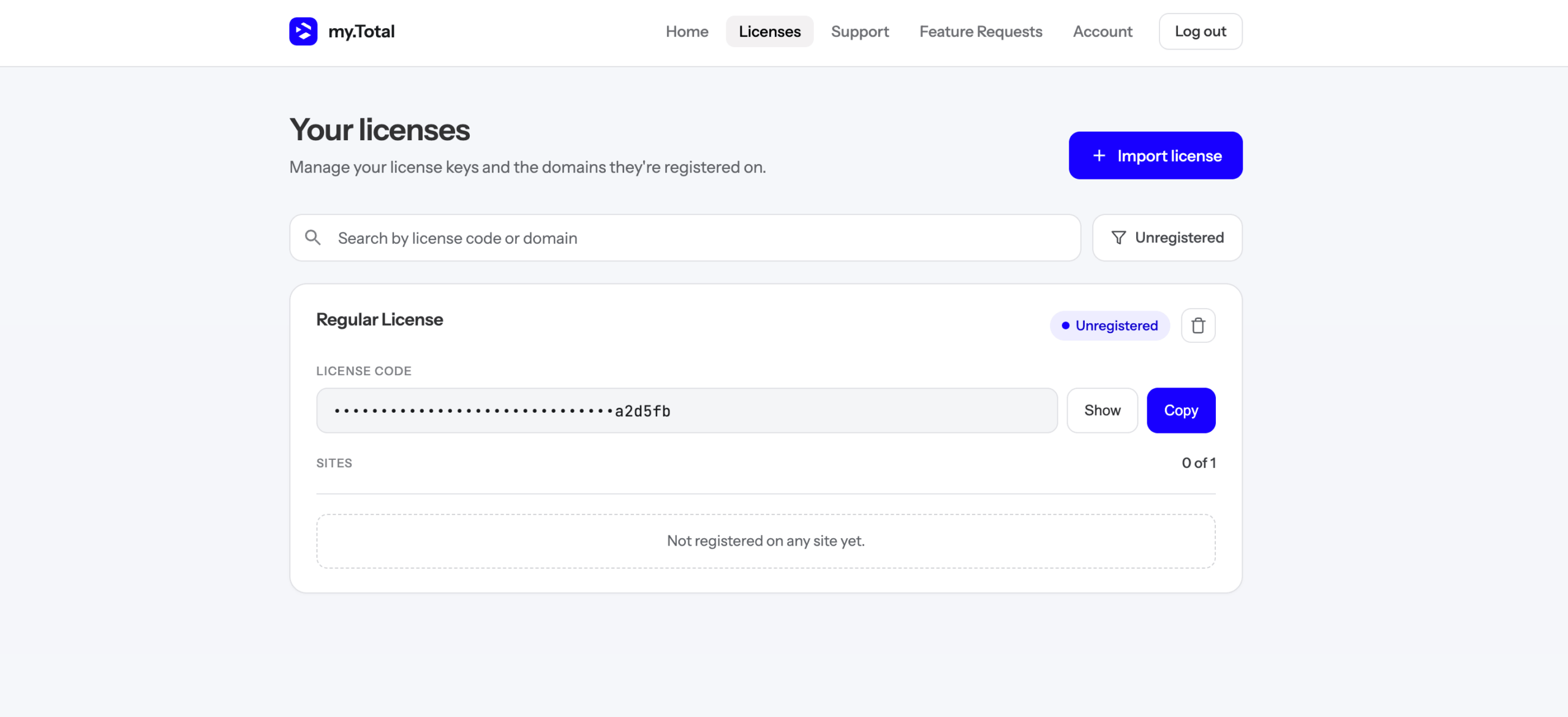
Log in to your Total Theme account portal to view your registered licenses. If you purchased the theme directly from us, your license will already be available in your account.
If you purchased through ThemeForest, you can use our automatic importer to import your ThemeForest licenses when creating your account or from an existing account.
After signing in, navigate to the Licenses page, where you can view your registered licenses or import purchases from ThemeForest.
Option 2: Finding Your License on ThemeForest
If you purchased the Total WordPress theme through ThemeForest, your license key is your ThemeForest purchase code. Follow these steps to locate it:
- Log in to your ThemeForest account.
- Go to the Downloads page.
- Locate your Total – Responsive Multi-Purpose WordPress Theme purchase.
- Click the Download button next to the item.
- Select License certificate & purchase code.
- Open the downloaded text or PDF file to view your purchase code.