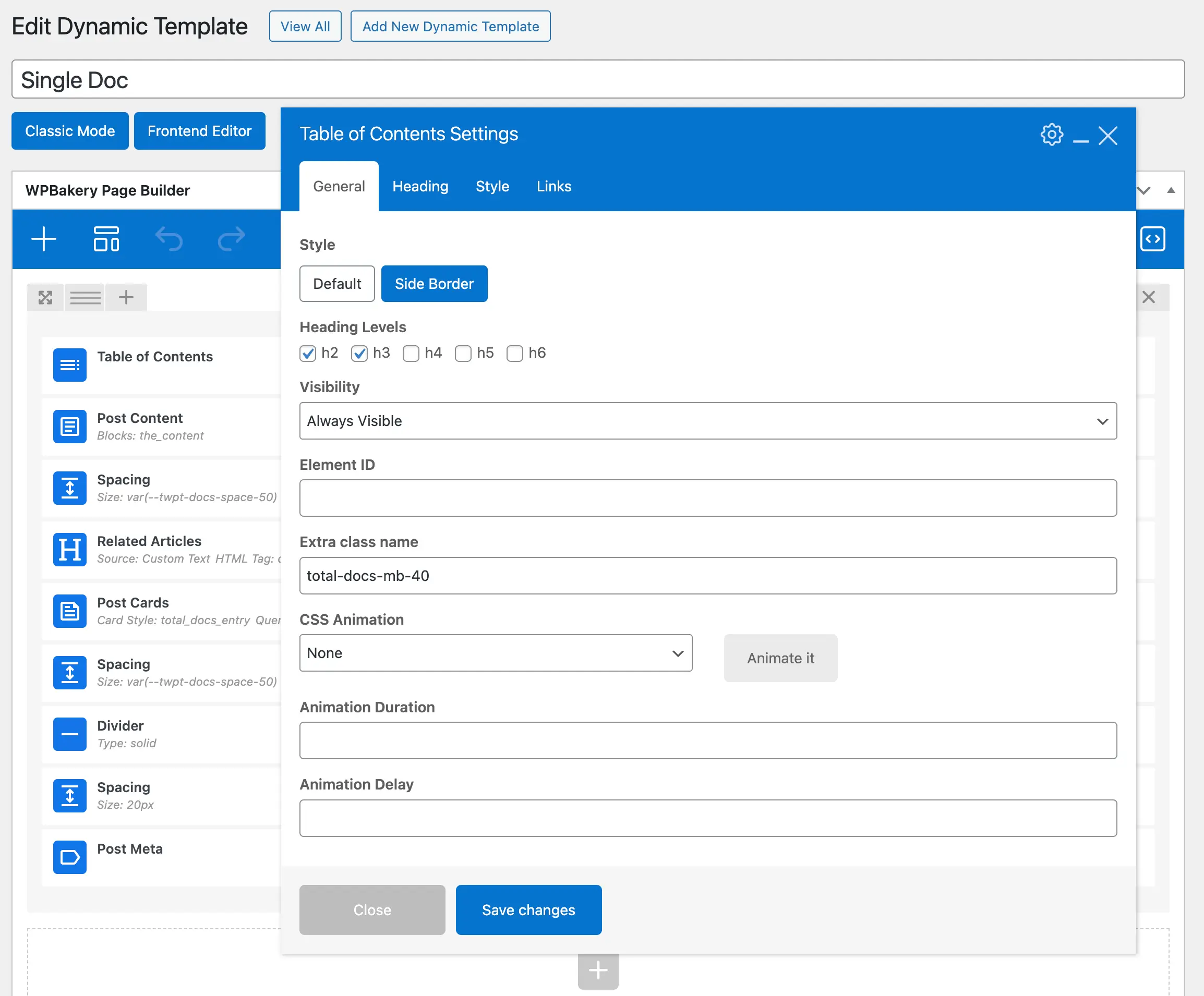
The Table of Contents element is the perfect way to improve navigation for your long-form content. It automatically generates a list of headings on your page, allowing users to jump directly to the sections they need. With options for styling, heading levels, fonts, and colors, it’s easy to match your site’s design.
For best results, use the Table of Contents element with dynamic templates or sidebar widget areas. By placing it in your template or sidebar, it will automatically appear on every article or post, saving you time and ensuring consistency across your site.
A great example of this in action can be seen in the Total Theme documentation, where the TOC is displayed at the top of each article for quick and easy navigation.
This element is especially useful for blogs, documentation, tutorials, and any content-rich pages where user experience and readability are a priority.